
Give your best hours to the thing you actually sat down to do.
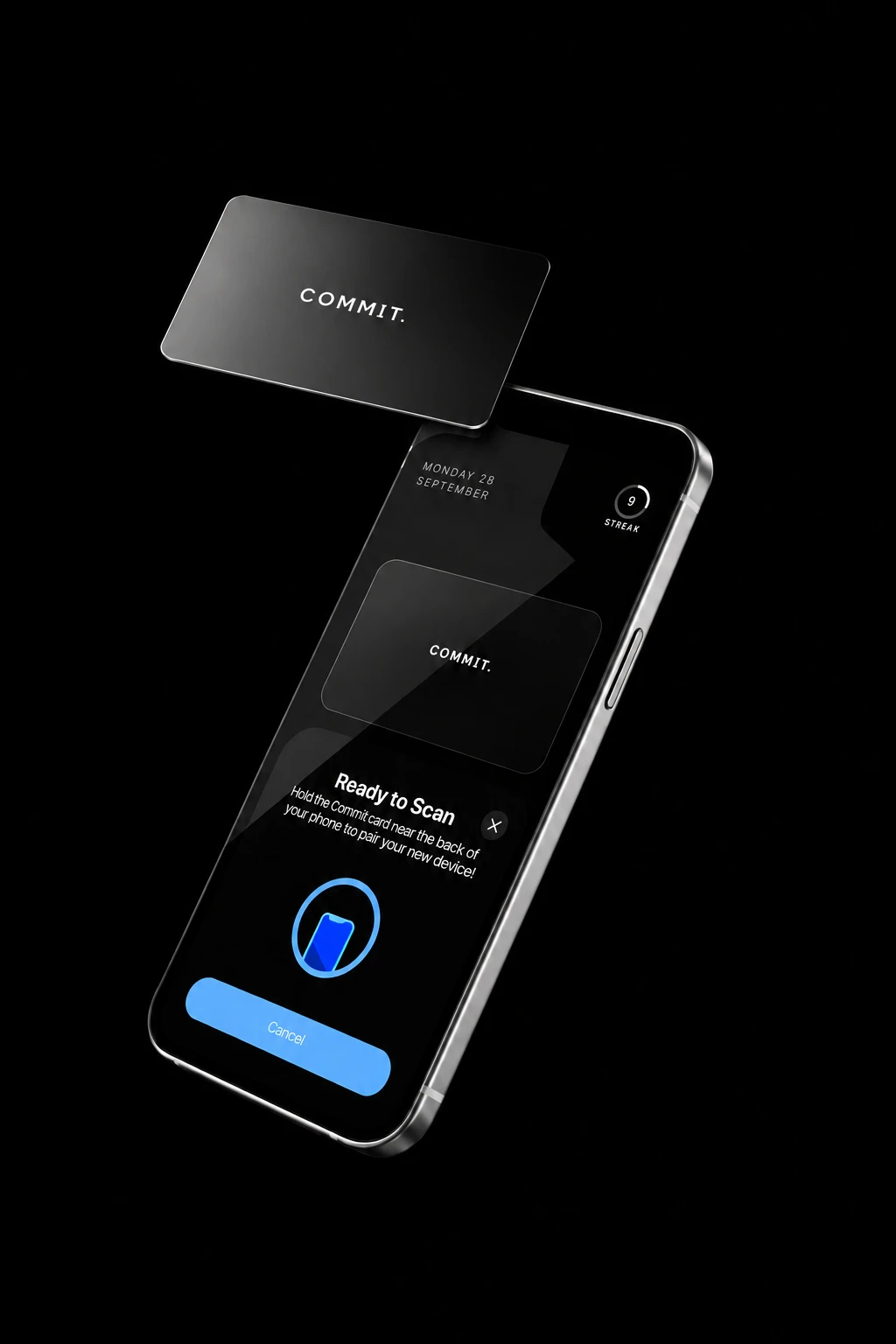
Block distractions in the Commit app. Scan your stainless steel Commit Card to unblock—putting a physical step between you and another scroll.
Start in the app. Unblock with your card.
Create a mode for the time you want to protect, like work, studying or winding down. Choose apps and websites to block, or allow only the ones you need.
Select your mode, then press and hold the start control in the Commit app to block your chosen distractions. You can start wherever you are, without having your physical card with you.
Leave your physical Commit Card somewhere away from you. When you’re ready to unblock, return to it, open Commit and scan the card with your phone.
It’s easy to tap “Ignore Limit” and keep scrolling. Commit adds a physical step: go back to your card and scan it to unblock your apps.
You’ve reached your limit on Instagram.
Choose which distractions can wait for the part of your day in front of you.
Give your best hours to the thing you actually sat down to do.

Stay in the conversation long enough for the good bits to happen.

Follow an idea while it is there, before the scroll breaks the thread.

Put the usual interruptions out of reach and be there for the small moments at home.

Stay with the question in front of you until the answer begins to make sense.

Keep your session moving without a quick check becoming a longer detour.

Let the evening slow down without a feed deciding when it ends.
Choose a mode and hold to begin in the app. Go back to your card and scan it when you’re ready to unblock.


“I was spending around ten hours a day on my phone. I’d set screen-time limits, then find a way around them.”
After university, I started building Commit: a physical card that puts a little distance between me and the apps I keep opening.
I’m building something I want to use myself, and sharing the process as I go.
Commit supports iPhones running iOS 17 or later and Android phones running Android 12 or later.
Strict Mode is designed to prevent deleting the Commit app during an active session.
The app includes emergency exits for times you need to unblock without the card. Check the app for your current options.
No. The Commit Card works without a battery or charging cable.
Choose your Commit Cards and see the full UK price before checkout.
Shop now